 Customer Hub
Default Applications
This policy allows administrators to set default apps for specific functions on managed Android devices.
The Default Applications policy allows administrators to configure default apps for various functions on Android devices. These settings are particularly useful for standardizing the user experience and ensuring that only approved applications are used.
This feature is available for devices running Android 16+.
Function Overview
Administrators can configure default apps for the following functions in the table below:
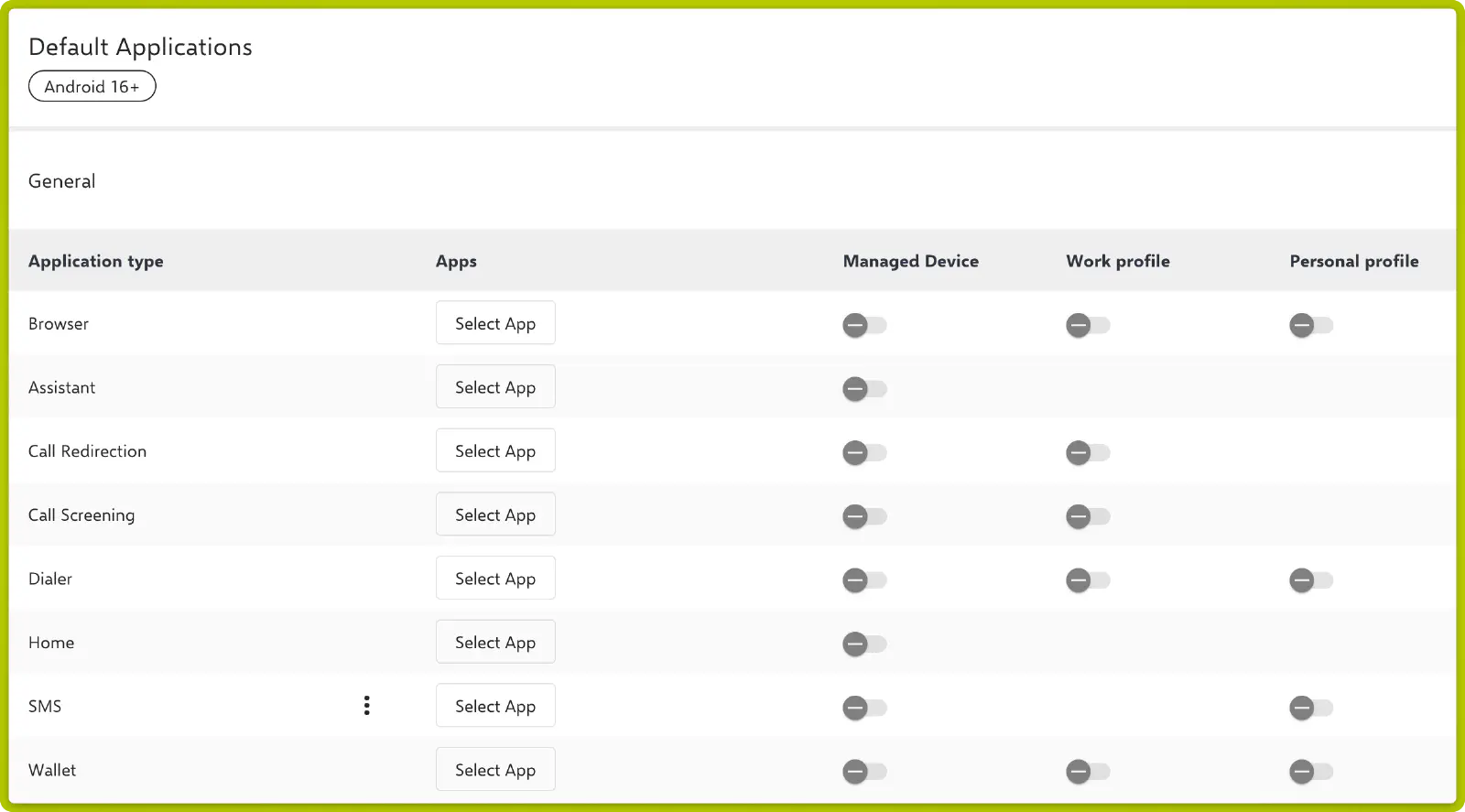
| Application Type | Apps | Managed Device | Work Profile | Personal Profile |
|---|---|---|---|---|
| Browser | Brave, Google Chrome | ✅ | ✅ | ✅ |
| Assistant | Select App | ✅ | ||
| Call Redirection | Select App | ✅ | ✅ | |
| Call Screening | Select App | ✅ | ✅ | |
| Dialer | Select App | ✅ | ✅ | ✅ |
| Home | Select App | ✅ | ||
| SMS | Select App | ✅ | ✅ | |
| Wallet | Select App | ✅ | ✅ | ✅ |
Configuration Options
- Select App: Administrators can choose the desired default app for each function.
- Managed Device: Enables or disables the configuration for fully managed devices.
- Work Profile: Enables or disables the configuration for the work profile.
- Personal Profile: Enables or disables the configuration for the personal profile.
Note on Multiple Default Apps
Multiple apps can be selected for the same function, e.g. Brave and Google Chrome as browsers, as shown above. If several of these apps are installed on the device, Android uses the first app in the list. The decisive order is the one displayed after saving and reopening the configuration. It does not necessarily match the order of selection and currently cannot be changed manually.