 Customer Hub
Work account setup
The Work account setup policy configuration allows administrators to centrally configure Google Work Account settings on fully managed devices.
The Required option requires the Relution organization to be linked to an enterprise of the managed Google domain type. In addition, user authentication must be enabled for the managed Google domain in the Google Admin console (
admin.google.com), otherwise the configuration does not take effect. If the organization is still linked to a Google Play Enterprise account, the form shows a hint about upgrading the enterprise (see Upgrade from GooglePlay Enterprise account to managed Google domain →). For more information on setup, see Managed Device →.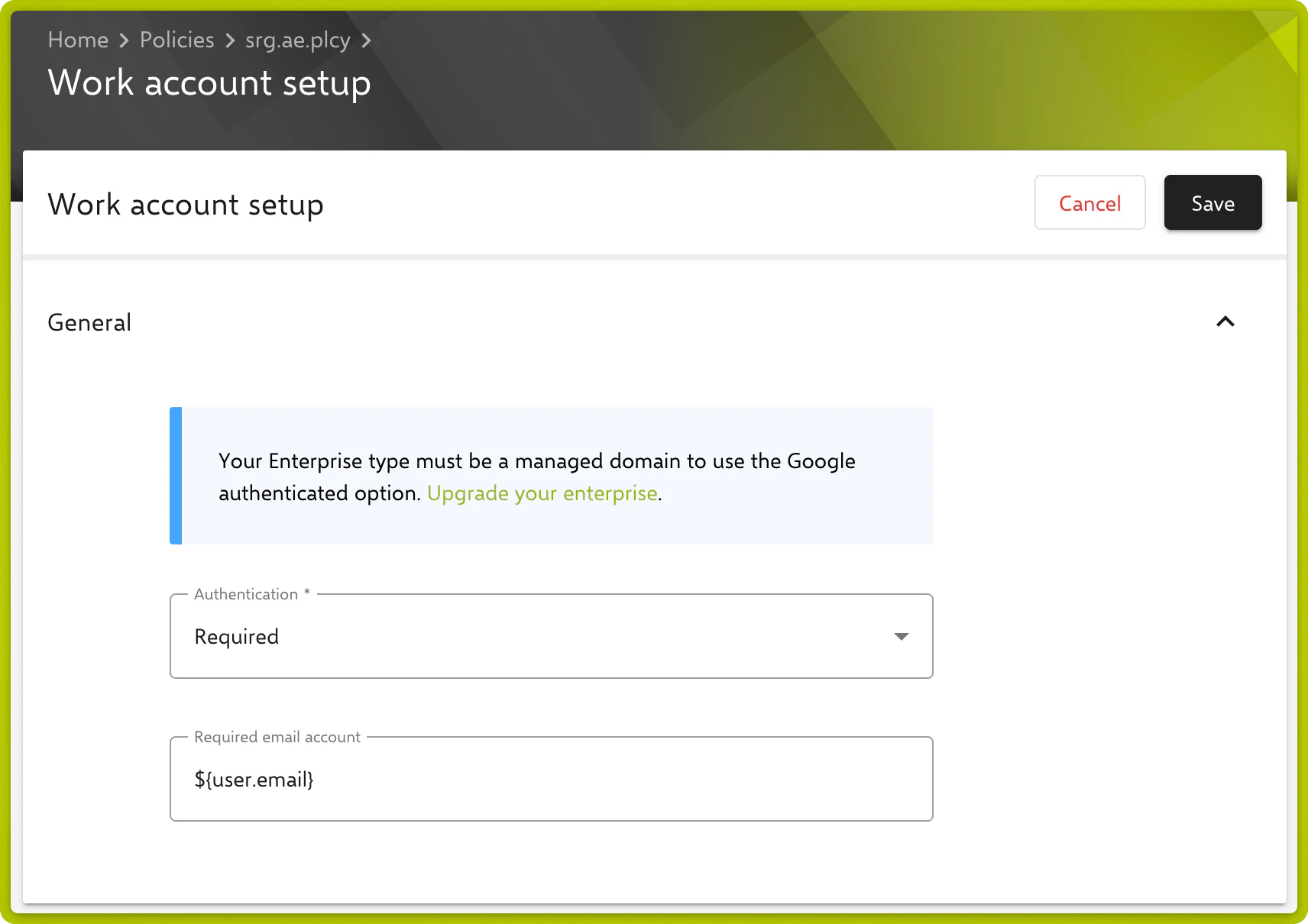
Authentication
Defines whether users must authenticate with a Google Work Account during device setup.
| Option | Description |
|---|---|
| Unspecified (default) | No requirement is set. The behavior corresponds to Not required. |
| Not required | No Google Work Account authentication is required. |
| Required | Users must authenticate with a Google Work Account. |
Required email account
When Required is selected, the Required email account field appears. The managed domain email account the user has to log in with is entered there. Placeholders can be used to create it dynamically.