 Customer Hub
Device settings
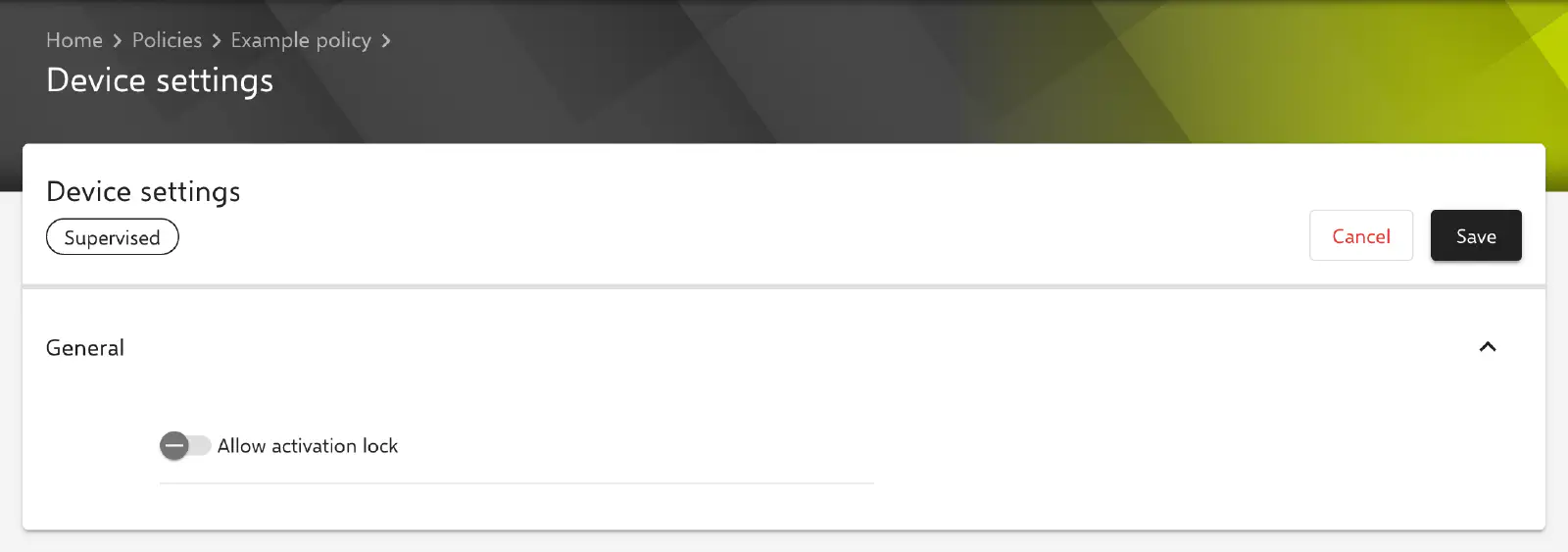
The Device settings configuration determines whether Activation Lock may be turned on for a supervised device. According to Apple, Activation Lock only takes effect on supervised devices when the MDM solution explicitly allows it; signing in with an Apple Account and turning on Find My is not sufficient on its own. Relution does not transfer the setting as a profile but with the MDM command Settings (item MDMOptions, key ActivationLockAllowedWhileSupervised).
Prerequisites
- The configuration can be added once per policy.
- The setting is intended for supervised devices; the portal marks the configuration with the badge Supervised. Supervised devices are typically devices from Automated Device Enrollment (ADE, DEP in the portal) as well as iPhones and iPads that were supervised via Apple Configurator (see Enrolling an unsupervised device as supervised →).
- On iOS/iPadOS and macOS, the configuration is only available for devices with device enrollment, not for devices with User Enrollment (iOS →, macOS →).
Platforms
The configuration is available in policies for iOS/iPadOS, macOS and tvOS. The form and the transferred command are the same on all three platforms. The differences lie only in the surrounding behavior:
- iOS/iPadOS and macOS: Relution retrieves the Activation lock bypass code for supervised devices (see Special notes →). Shared iPads are excluded.
- tvOS: The configuration is not limited to device enrollment, as there is no User Enrollment for Apple TV. Relution does not query an Activation Lock bypass code for Apple TV.
Whether and from which operating system version a device applies the setting is decided by Apple; Relution transfers the value unchanged.
General
- Allow activation lock: If the option is enabled, Activation Lock can be turned on for the supervised device, typically by signing in with an Apple Account and turning on Find My. If it is disabled, Relution transfers the value
false. Disabled by default.
The form contains no further fields. This configuration has no text fields, placeholders, passwords or certificate references.
Special notes
- Activation lock bypass code: Relution queries the code for supervised iOS/iPadOS devices and Macs with every device query during the first 15 days after enrollment until a code has been stored. The code is shown in the device details in the Security card; if none is available, No bypass code available appears. Every retrieval of the code is recorded in the Audit Log →. According to Apple, the code allows Activation Lock to be removed without the user’s credentials. Before Activation Lock is allowed, it is therefore advisable to check whether a code is available for the affected devices.
- Status on the device: The Security card also shows the values Activation lock enabled and Is activation lock manageable, provided the device reports them.
- No profile: As the setting is transferred by command, it does not appear in the device’s profile list. Relution sends the command when the policy is installed or updated on the device.
- Return to Service: According to the portal notice, the action Return to Service → requires every Activation Lock on the device to be turned off.
Related topics
- Locked device without network connection →
- Return to Service →
- Enrolling an unsupervised device as supervised →
- Add to ADE retroactively →
- Audit Log →
- Overview of iOS configurations →
- Overview of macOS configurations →
- Overview of tvOS configurations →