 Customer Hub
DNS Proxy
The DNS Proxy configuration defines which app processes the DNS queries of the device. For this purpose, the app contains a DNS proxy extension (Network Extension) that receives all DNS queries of the system, for example to filter them or to forward them to a dedicated DNS server. Relution transfers the settings as a profile with the payload type com.apple.dnsProxy.managed.
Platforms
The configuration is available in policies for iOS/iPadOS and macOS. The form and the behavior are identical on both platforms.
- The configuration can be added once per policy.
- It is only available for devices with device enrollment, not for devices with User Enrollment (see User Enrollment iOS → and User Enrollment macOS →).
- According to Apple, a DNS proxy is supported as of iOS 11 and macOS 10.15; on iOS/iPadOS, Apple requires a supervised device →.
- The app containing the DNS proxy extension is not installed by this configuration. It is distributed to the devices separately.
General
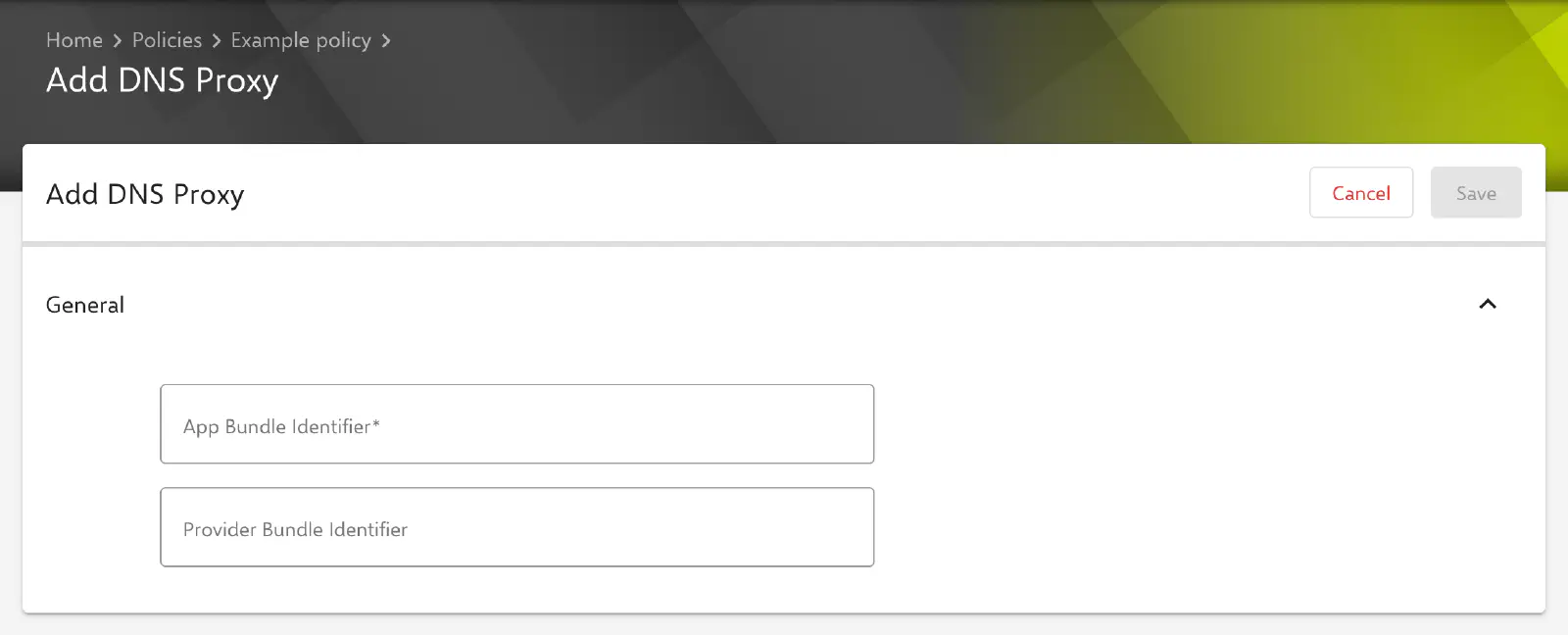
The General section contains the following fields. The key in the profile is given in parentheses.
- App Bundle Identifier (
AppBundleIdentifier, required): bundle ID of the app that contains the DNS proxy extension, e.g.com.example.dnsproxy. Without an entry, the configuration cannot be saved. - Provider Bundle Identifier (
ProviderBundleIdentifier, optional): bundle ID of the DNS proxy extension itself. The field is only needed if the app contains several DNS proxy extensions. If it remains empty, the key is not transferred.
Both values are transferred unchanged; placeholders are not replaced. The bundle IDs used by an app can be found in the documentation of the app vendor.
Special notes
- Vendor-specific settings: The form does not offer custom settings for the extension (key
ProviderConfiguration). If the app requires further information such as server addresses or license keys, it is provided in the way intended by the vendor, for example via an app configuration. - Relution Decon: Decon sets up its own DNS proxy for its content filter. If a policy assigned to the device already contains a DNS Proxy configuration, this does not happen; the device receives the compliance notice Cannot set DNS Proxy for Decon since configuration type already exists (see Relution Decon (content filter) →).
- macOS: According to Apple, a DNS proxy extension on macOS is delivered as a system extension. It can be approved via the System Extensions → configuration.
- Apple Configurator 2: If a policy already contains an Apple Configurator 2 configuration with the payload type
com.apple.dnsProxy.managed, the DNS Proxy configuration can no longer be added to it, and vice versa (see Apple Configurator 2 configuration →).
Related topics
- Overview iOS → — All configurations for iOS/iPadOS at a glance.
- Overview macOS → — All configurations for macOS at a glance.
- Relution Decon (content filter) → — DNS-based content filter from Relution.
- Web Content Filter → — Restriction of web content via built-in or custom filters.
- Global HTTP Proxy → — Routing of HTTP traffic through a proxy.