Customer Hub
Homescreen Layout
With the Homescreen Layout, the arrangement of apps and folders on iOS and iPadOS devices can be controlled by administrators. There are two layout types for this:
- Personalize the Homescreen Layout.
- Group apps by category.When a Homescreen Layout configuration is applied to devices, users cannot manually rearrange or uninstall apps on the devices. Apple does not currently support Homescreen Layout widgets for devices running iOS 15.
Personalize home screen
The layout can be personalized by arranging apps individually. Folders can be created for categorization of apps.
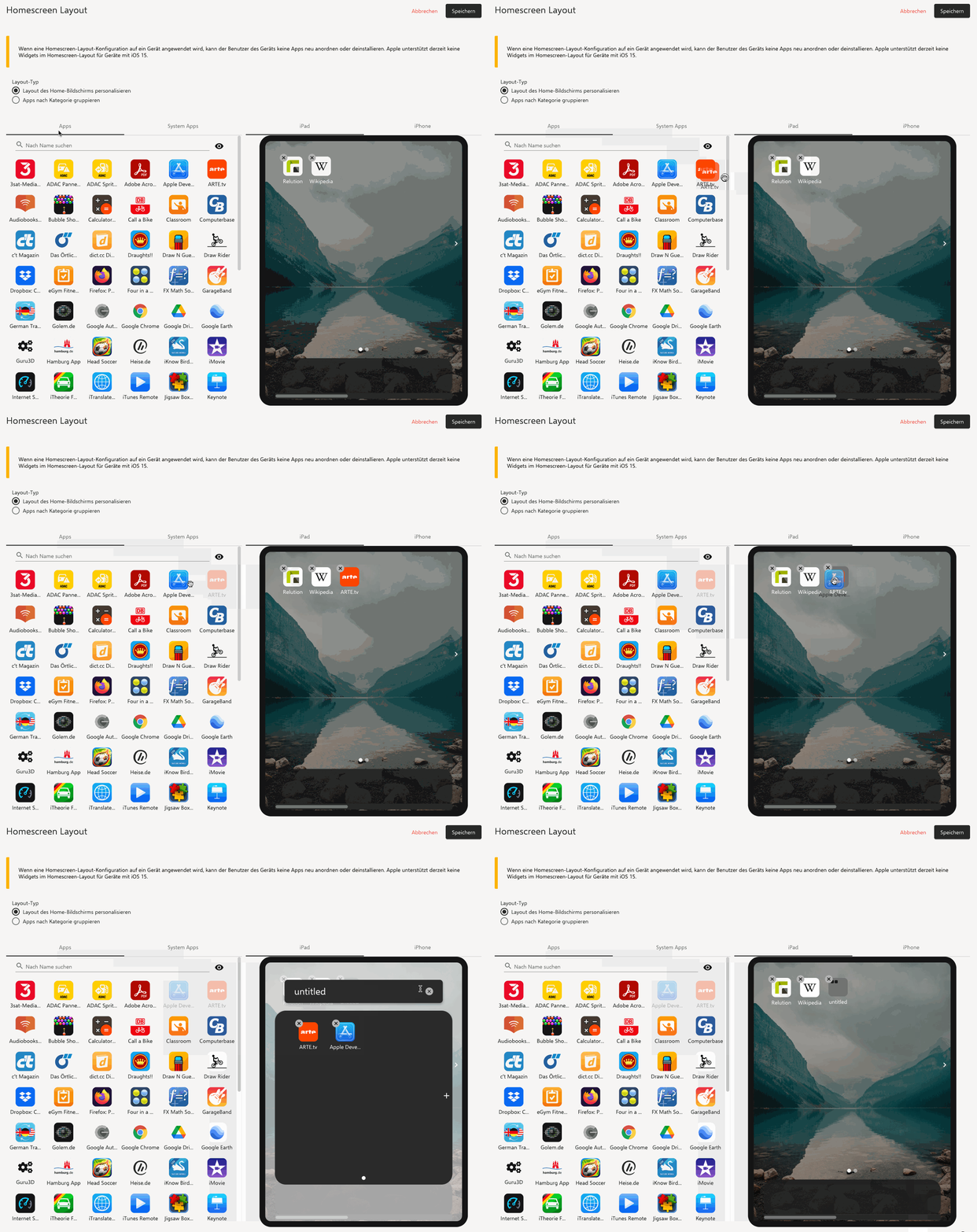
Holding the mouse still while dragging and dropping on another app will automatically create a folder. Homescreen Layout is limited to 20 apps per page.
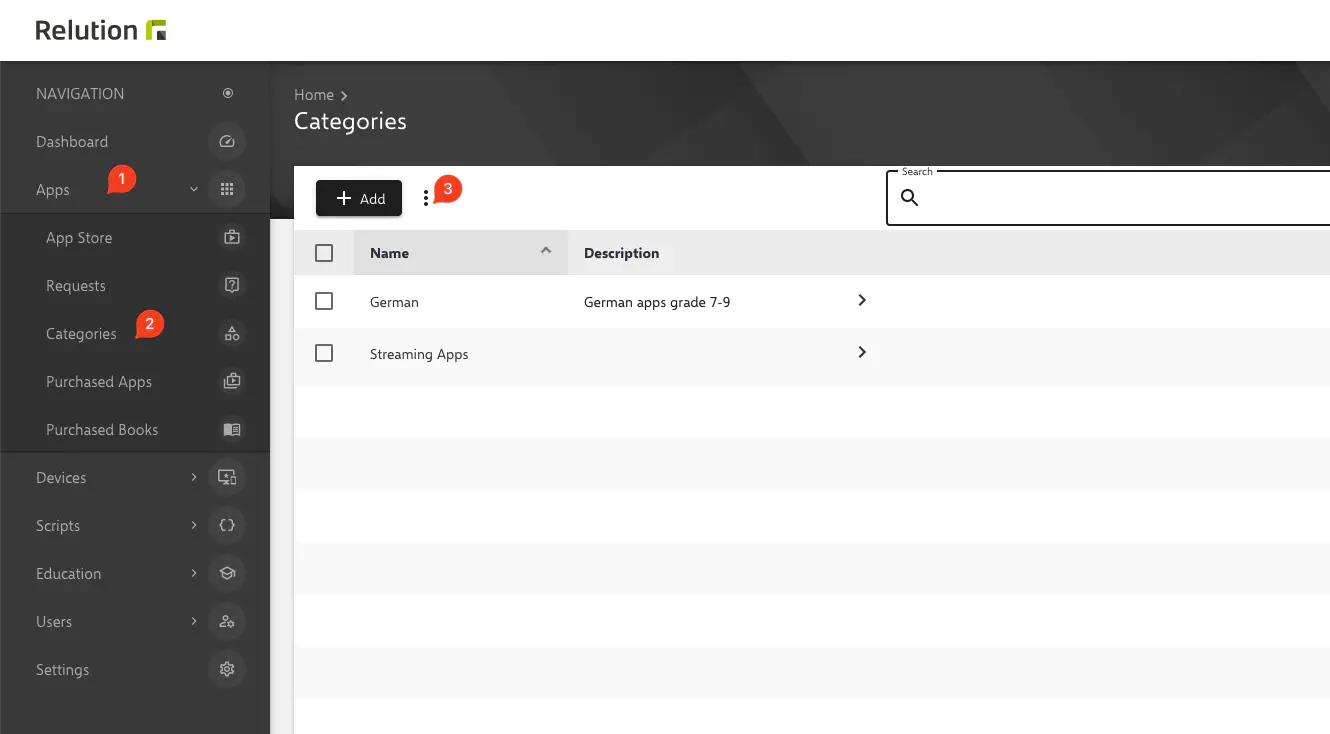
Group apps by category
This layout groups installed apps according to the categories created in the Relution portal. System apps are grouped automatically.