 Customer Hub
Lock Screen Message
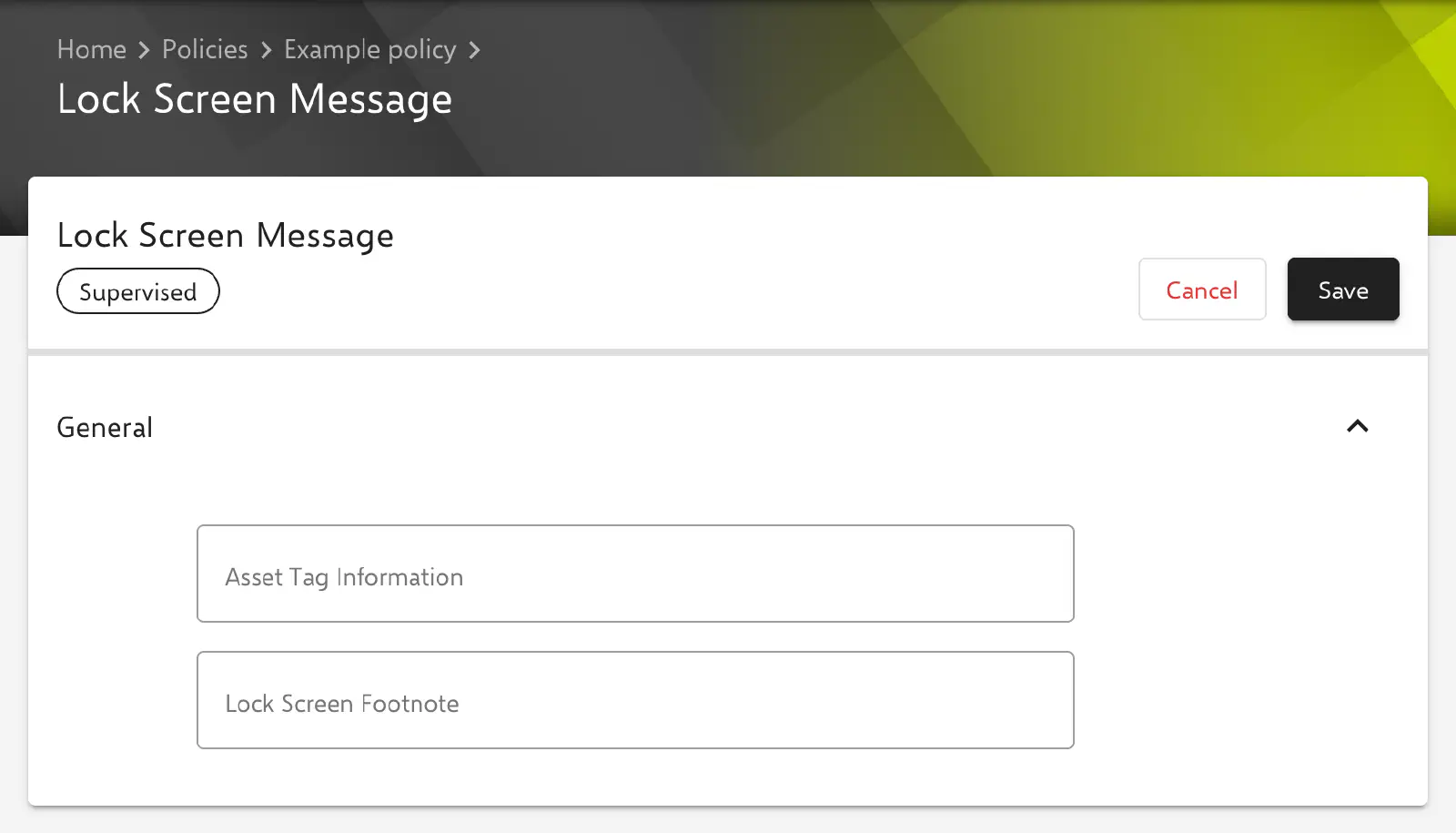
With the Lock Screen Message configuration, two freely definable texts are transferred to the lock screen of iPhone and iPad, for example an inventory number, the name of the organization or a contact address in case a device is found. On a Shared iPad, the texts also appear in the login window. Relution transfers the settings as a profile with the payload type com.apple.shareddeviceconfiguration.
Prerequisites
- The configuration is available in policies for iOS/iPadOS and can be added once per policy.
- It is only transferred to devices with device enrollment, not to devices with User Enrollment.
- The form marks the configuration with Supervised. According to Apple, the texts are only displayed on supervised devices.
- According to Apple, available from iOS 9.3, the footnote from iOS 9.3.1.
Settings
Both fields are located in the General section, are optional and each hold up to 255 characters. The key in the profile is given in parentheses.
- Asset Tag Information (
AssetTagInformation): text that appears on the lock screen and in the login window, typically an inventory number or a device name. The content of this field is also shown as the name of the configuration in the policy. - Lock Screen Footnote (
LockScreenFootnote): footnote that appears on the lock screen and in the login window, for example a found-device notice with a phone number.
If a field is left empty, the corresponding key is not transferred. How the texts are displayed and truncated on the device is determined by the operating system.
Special notes
- Placeholders: Both fields accept user and device placeholders such as
${user.fullname},${device.name}or${device.serialnumber}, which are replaced for each device during transfer. The form lists the available placeholders under Available placeholders. More information: Advanced placeholders → - Device offtime: During a device offtime →, Relution normally generates its own lock screen message with the device name, Message and Phone number. If the policy contains a Lock Screen Message configuration, this automatically generated message is omitted; the texts entered here remain on the lock screen.
- Relution Shared Device: On shared devices without a configuration of their own, Relution adds a lock screen message with the device name and the name of the organization (see Automatically generated configurations →). A Lock Screen Message configuration in the policy replaces this message.
Related topics
- Overview → — All configurations for iOS and iPadOS at a glance.
- Device offtime → — Time-controlled lock with its own message on the lock screen.
- Relution Shared Device → — Shared devices with an automatically generated lock screen message.
- Shared iPad settings → — Shared iPad, on which the texts also appear in the login window.
- Wallpaper → — Wallpaper for the lock screen and home screen.
- Advanced placeholders →