 Customer Hub
Disk Management Settings
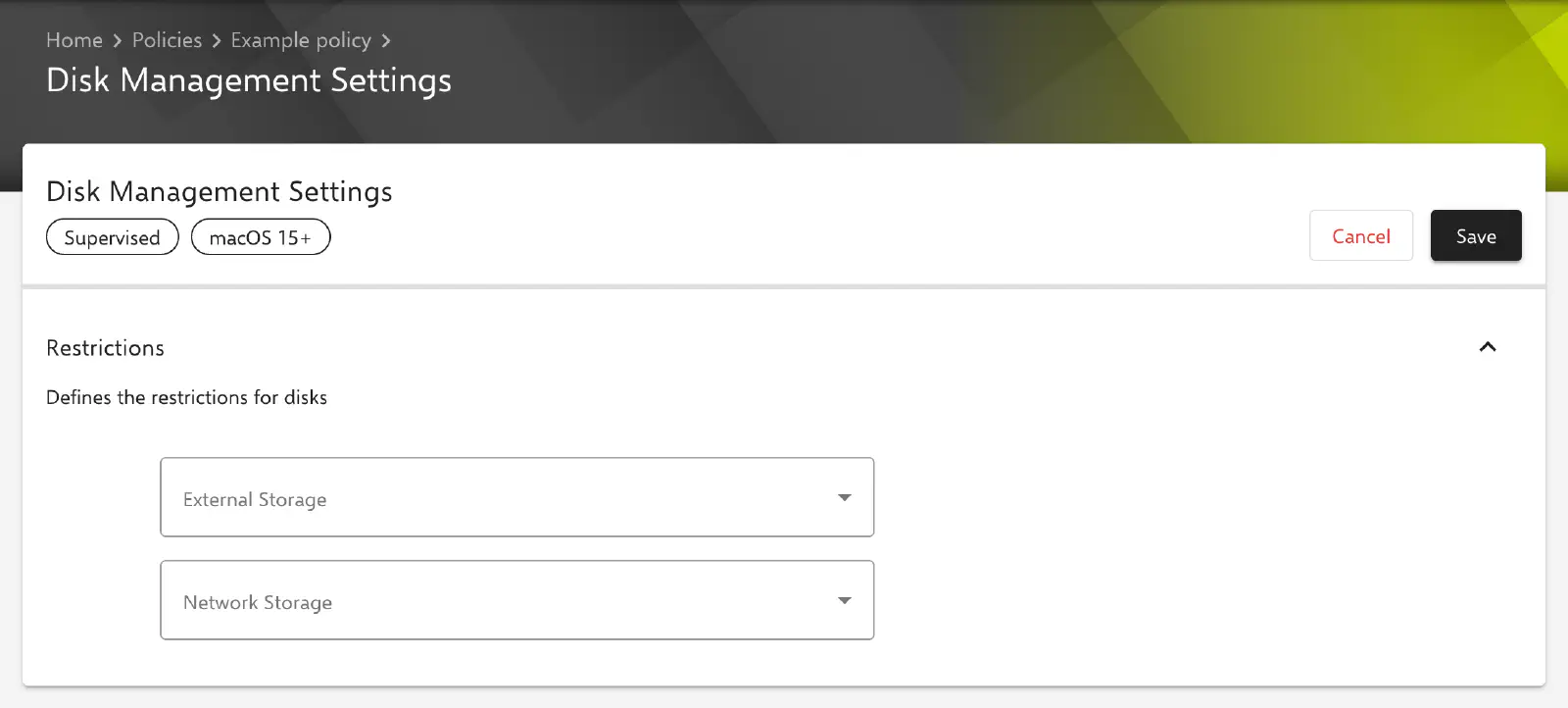
The Disk Management Settings configuration defines whether a Mac mounts external storage (e.g. USB drives or external hard drives) and network storage. For each type of storage, it can be set separately whether it is mounted without restriction, only read-only or not at all. Relution transfers the settings via Declarative Device Management (DDM) as a configuration of type com.apple.configuration.diskmanagement.settings.
Prerequisites
- The configuration is only available in macOS policies and can be added once per policy.
- It only applies to devices with device enrollment, not to devices with User Enrollment →.
- According to the labels in the portal, the configuration requires macOS 15 or later and a supervised device.
- Relution only transfers the configuration to devices that report support for this configuration type via Declarative Device Management. Older devices do not receive it.
Restrictions
The Restrictions section contains two selection fields. The key in the declaration is given in brackets.
- External Storage (
ExternalStorage): mount policy for external storage connected to the Mac. - Network Storage (
NetworkStorage): mount policy for storage connected over the network, e.g. file shares on a server.
The same values are available for both fields:
| Value | Value in the declaration | Meaning |
|---|---|---|
| Allowed | Allowed | Storage is mounted regardless of whether it is read-write or read-only. |
| Read-only | ReadOnly | Only read-only storage is mounted automatically. Read-write storage is not mounted read-only instead, but not at all. |
| Disallowed | Disallowed | No storage of this type is mounted. |
When the configuration is created, no value is selected in either field. A field without a selection is not included in the declaration; macOS then applies its default behaviour for this type of storage, which according to Apple corresponds to the value Allowed. Once a value has been saved in a field, the selection cannot be cleared in the form again, only changed to a different value.
Special notes
- Multiple policies: If a device receives several Disk Management Settings configurations through multiple policies, Relution transfers only one of them to the device. The values are not merged.
- Device level instead of user level: The settings are installed on device level only and therefore apply to all users of the Mac.
- Internal drives: The configuration only affects external storage and network storage, not the internal startup volume of the Mac.
Related topics
- Overview → — All configurations for macOS at a glance.
- Restrictions → — Further restrictions for macOS devices.
- FileVault → — Disk encryption on macOS devices.