 Customer Hub
Managed Domains
The Managed Domains configuration defines which email domains macOS treats as domains of the organization. When a message is composed, the Mail app marks every recipient address that does not belong to these domains. Relution transfers the setting as a profile with the payload type com.apple.domains.
Prerequisites
- The configuration is possible once per policy. All domains are therefore entered in the same configuration.
- It is only available for devices with device enrollment, not for devices with User Enrollment →.
- Relution does not define a minimum macOS version and does not require a supervised device.
Email domains
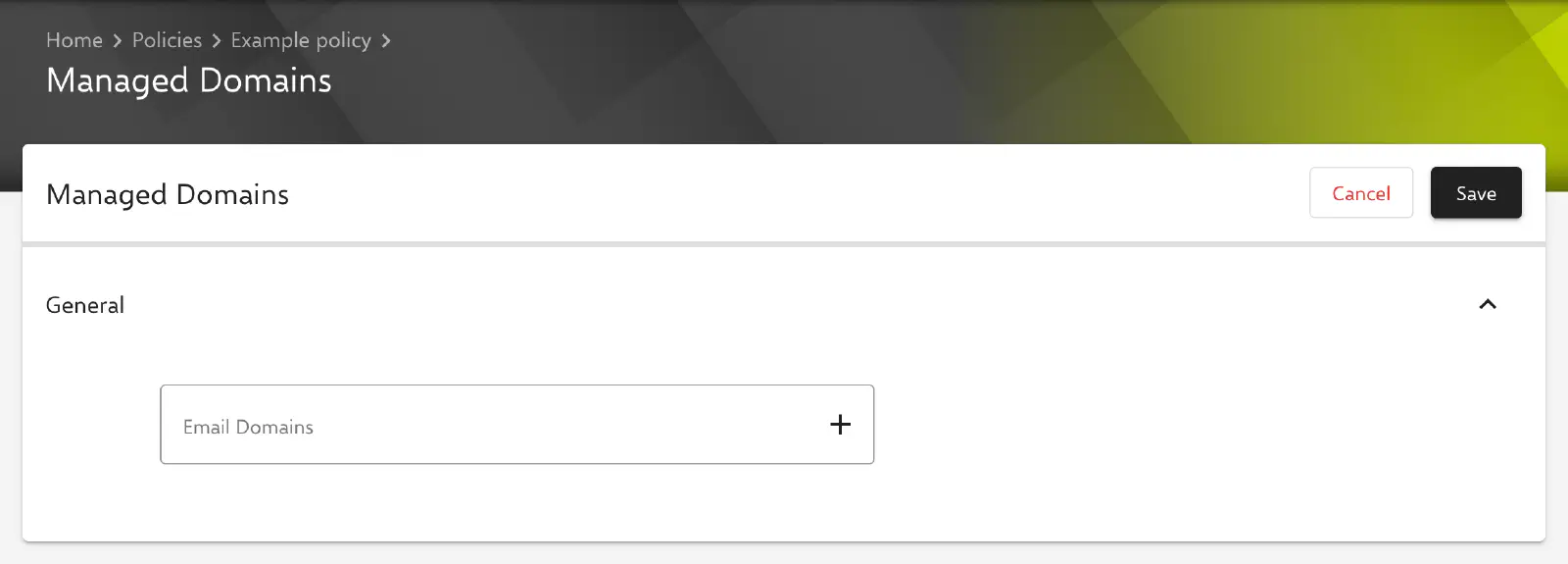
The form contains a single field in the General section, the list Email Domains (EmailDomains). The domains of the organization are entered there, e.g. relution.io. By default, the list is empty.
- An entry is added with the Enter key, via the plus icon or when the field loses focus, and then appears as an element below the field.
- Several domains separated by spaces are added in one step as individual entries. Duplicate entries are ignored.
- A click on an element moves the entry back into the input field for editing; the cross removes it.
When a message is composed, the Mail app marks every recipient address whose ending does not match any entry in the list. This makes it immediately visible when a message leaves the organization. Sending to these addresses is not blocked; the marking is only a notice.
Special notes
- No web domains: Unlike the configuration of the same name for iOS, the macOS configuration does not contain a list of web domains. For macOS, Relution transfers only the email domains.
- No placeholders: The entries are transferred unchanged; placeholders such as
${user.name}are not replaced. - Empty list: A configuration without entries can be saved. Relution then transfers an empty list.
Related topics
- Overview → — All configurations for macOS at a glance.
- Exchange → — Email account for the Mail app in which the marking appears.
- Managed Domains (iOS) → — Configuration of the same name for iOS with additional web domains.