 Customer Hub
Security Preferences
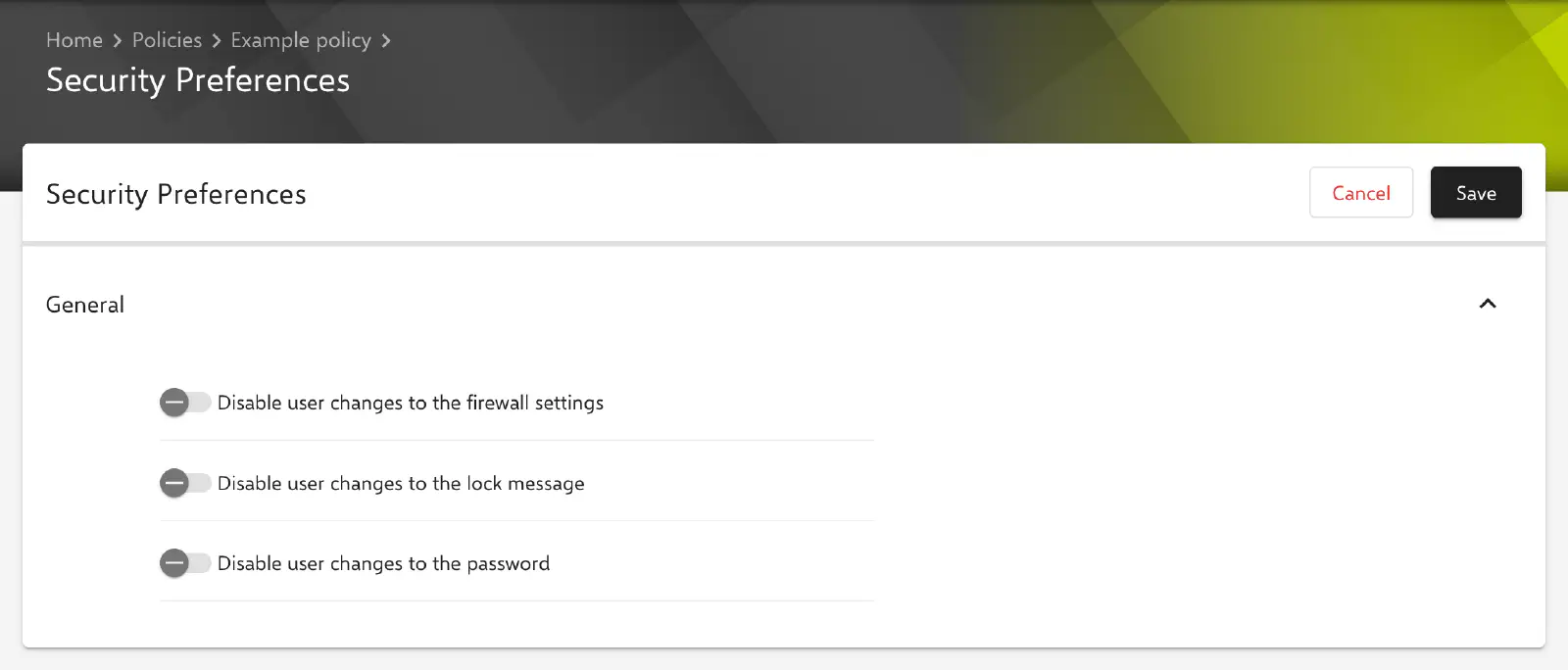
The configuration Security Preferences determines which security-related settings on a managed Mac can no longer be changed by the user: the firewall settings, the lock message and the password. The configuration does not set any values; it only locks the option to change them in System Settings.
Prerequisites
- The configuration is only available for Macs with Device Enrollment, not for devices with User Enrollment →.
- Only one Security Preferences configuration is possible per policy.
- If the policy already contains an Apple Configurator 2 Configuration → with the payload type
com.apple.preference.security, the configuration cannot be added. Conversely, such an Apple Configurator 2 Configuration is rejected if the policy already contains Security Preferences.
Settings
The General section provides three independent toggles. When the configuration is created, all toggles are disabled; a setting whose toggle is disabled remains changeable for the user.
| Toggle | Effect when enabled | Payload key |
|---|---|---|
| Disable user changes to the firewall settings | The firewall settings cannot be changed by the user. | dontAllowFireWallUI |
| Disable user changes to the lock message | The message shown on the lock screen cannot be changed by the user. | dontAllowLockMessageUI |
| Disable user changes to the password | The password of the user account cannot be changed by the user. | dontAllowPasswordResetUI |
Relution always transfers all three keys in the profile (payload type com.apple.preference.security); disabled toggles are transferred as false.
The configuration does not determine which firewall rules apply. The firewall itself is set up via the Firewall → configuration. How the locked settings are displayed in System Settings and where they are located there is determined by Apple depending on the macOS version.