 Customer Hub
System policy control
The System policy control configuration sets Gatekeeper on macOS devices centrally. When an app is opened, Gatekeeper checks whether it comes from a permitted source. The configuration defines which sources these are: the App Store only, additionally identified developers, or all sources without any check.
Prerequisites
The configuration is only available in macOS policies and only for devices with device enrollment, not for devices with User Enrollment →. It is added under Devices → Policies in a macOS policy via Add.
The configuration can be added multiple times in a policy. As a rule, a single configuration per device is advisable: if a device receives several configurations of this type with different settings, macOS decides which setting applies.
Settings
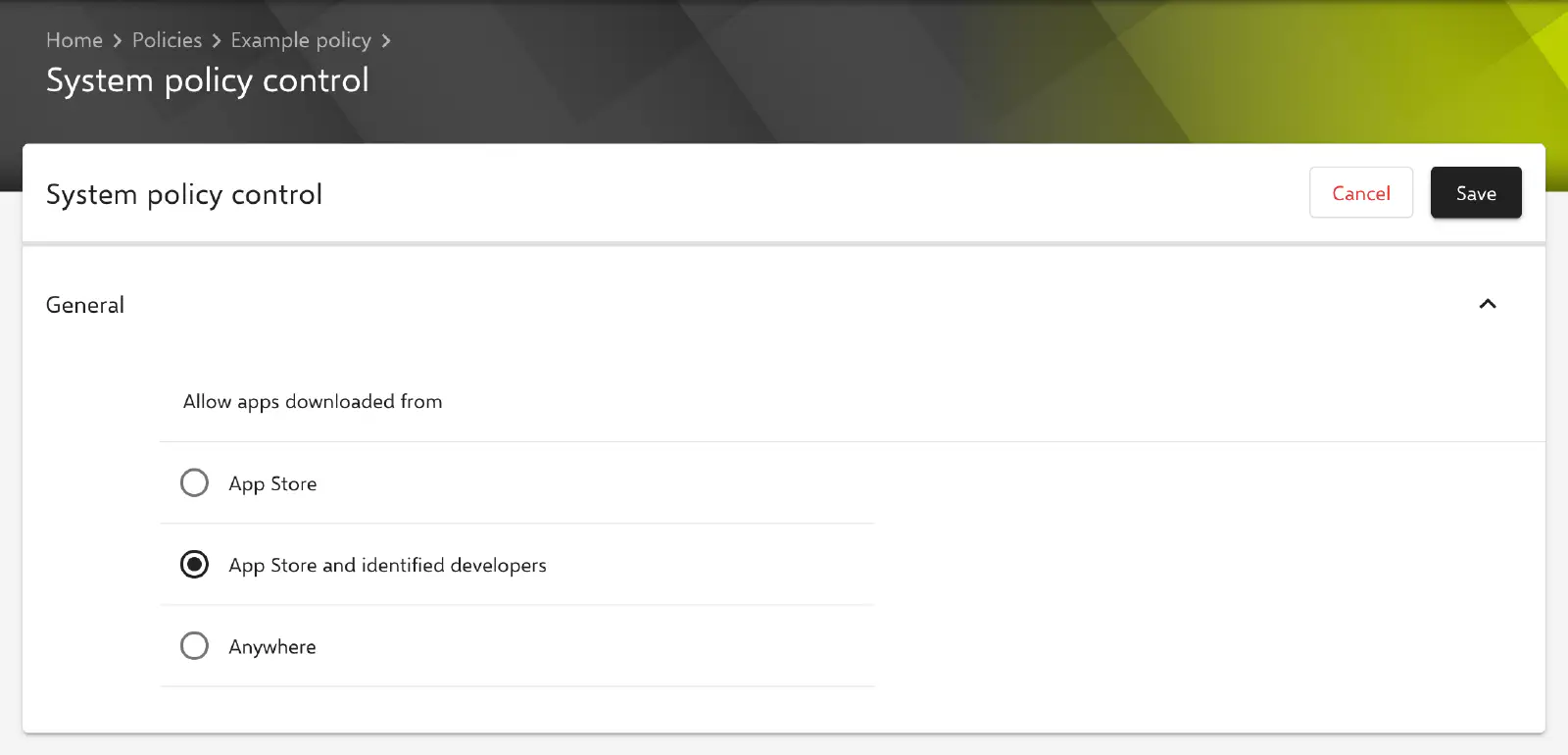
In the General section, exactly one of the following options is selected under Allow apps downloaded from:
| Option | Effect | Transferred values |
|---|---|---|
| App Store | Gatekeeper is active. Apps are only opened if they come from the App Store. | EnableAssessment = true, AllowIdentifiedDevelopers = false |
| App Store and identified developers | Gatekeeper is active. In addition to apps from the App Store, apps from identified developers are opened, i.e. apps signed with a Developer ID and, depending on the macOS version, notarized by Apple. Default value for a new configuration. | EnableAssessment = true, AllowIdentifiedDevelopers = true |
| Anywhere | Gatekeeper is disabled. Apps are opened without any check, regardless of their origin. | EnableAssessment = false, AllowIdentifiedDevelopers = false |
This configuration has no further fields, placeholders or certificate references.
Special considerations
- The configuration is transferred as a profile with the payload type
com.apple.systempolicy.control. - The Anywhere option disables a central protection mechanism of macOS and is only advisable in justified exceptional cases. How Gatekeeper affects the distribution of in-house packages and how signing and notarization can be checked is described in the section Signing and notarization →.
- As long as the profile is installed, the Gatekeeper setting can usually not be changed in the Mac’s System Settings. How the managed setting is shown there and which setting applies after the configuration is removed is determined by macOS (vendor behavior, without guarantee).
Related topics
- Overview →
- Kernel Extensions →
- Install native macOS apps →
- Gatekeeper and runtime protection in macOS (Apple) →