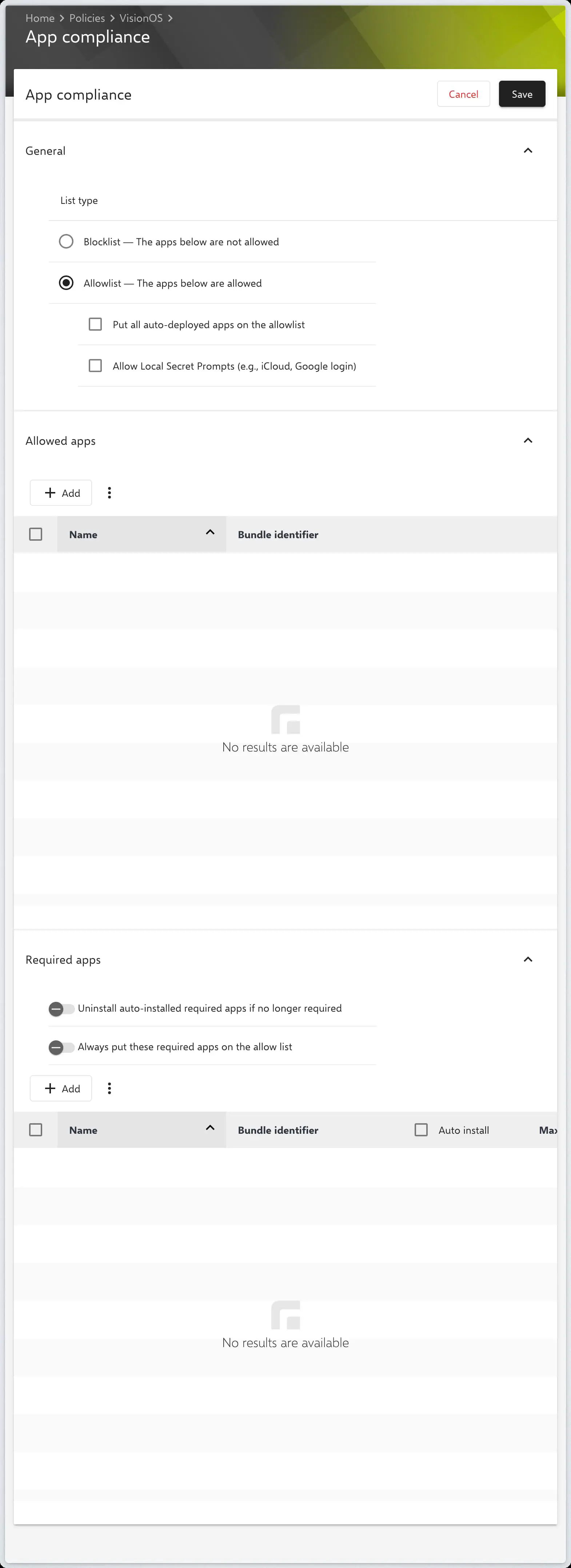
App Compliance
Introduction to App Distribution for visionOS
Installing VPP apps on Apple Vision devices is particularly straightforward thanks to Relution’s App Compliance policy. This configuration enables simple and central distribution of applications to a large number of devices.
To start the distribution, you only need:
- An Apple School or Apple Business account.
- The integration of your VPP Token in Relution.
- Acquired licenses for the desired apps from Apple School Manager (ASM) or Apple Business Manager (ABM).
Configuring App Compliance
The distribution of apps to Apple Vision devices (analogous to iOS devices) is carried out via the App Compliance policy configuration.
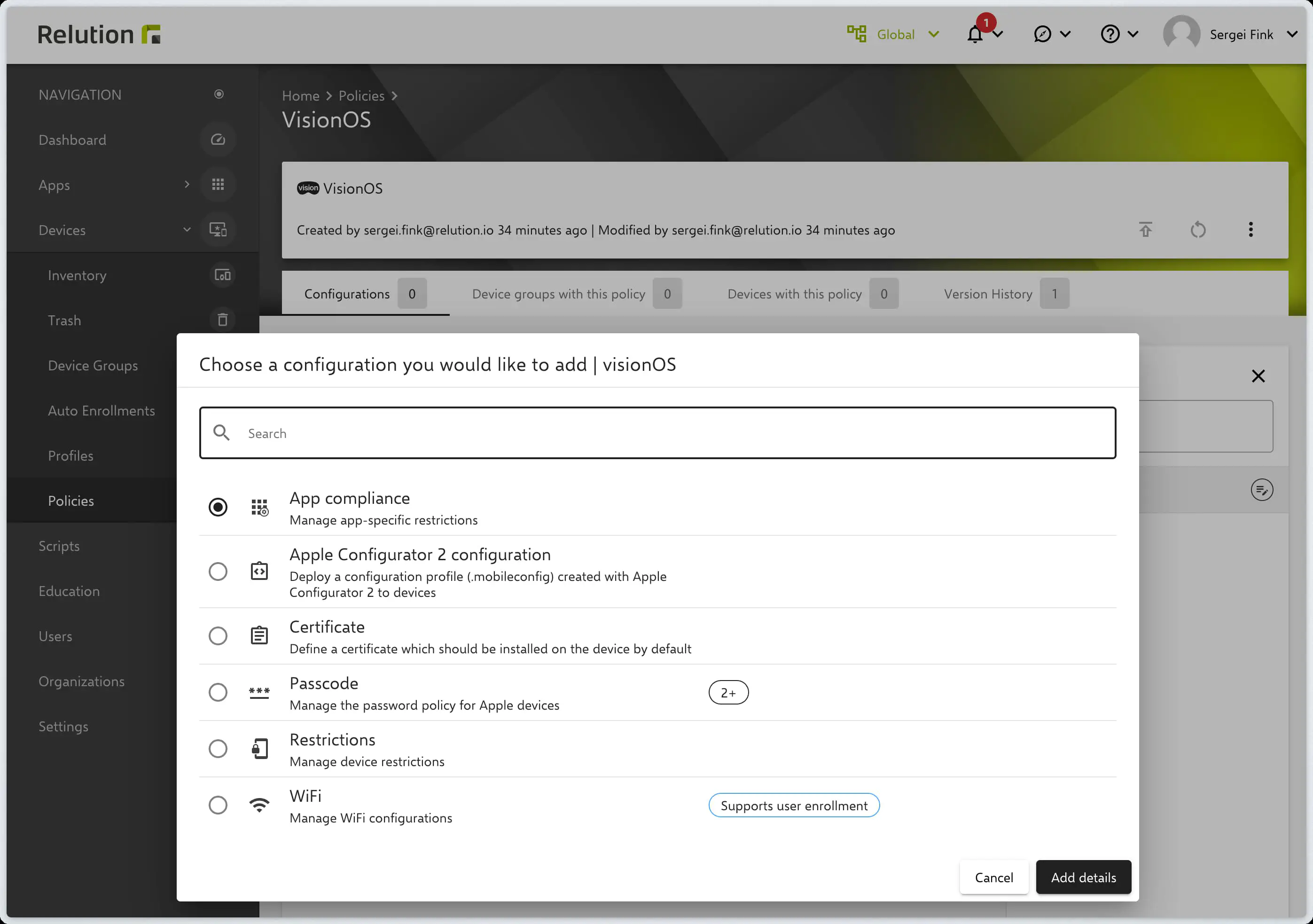
Similar to iOS devices, you can control app availability using an Allow List or a Block List.
Allow List (Permitted Apps)
The Allow List explicitly defines which apps are permitted to be available on the devices.
Block List (Blocked Apps)
The Block List is used to hide or block specific apps on visionOS devices.
Required Apps
In the Required Apps section, you specify which applications must be mandatorily installed on the devices. Here you can:
- Select public apps with VPP licenses.
- Add native apps from the Relution App Store.
Once the configuration is complete, it can be saved, published, and assigned to the corresponding devices.