Customer Hub
App Compliance
Installing VPP apps on Apple Vision devices is particularly straightforward thanks to Relution’s App Compliance policy. This configuration enables simple and central distribution of applications to a large number of devices.
Starting the distribution only requires:
- An Apple School or Apple Business account.
- The integration of the VPP Token in Relution.
- Acquired licenses for the desired apps from Apple School Manager (ASM) or Apple Business Manager (ABM).
Configuring App Compliance
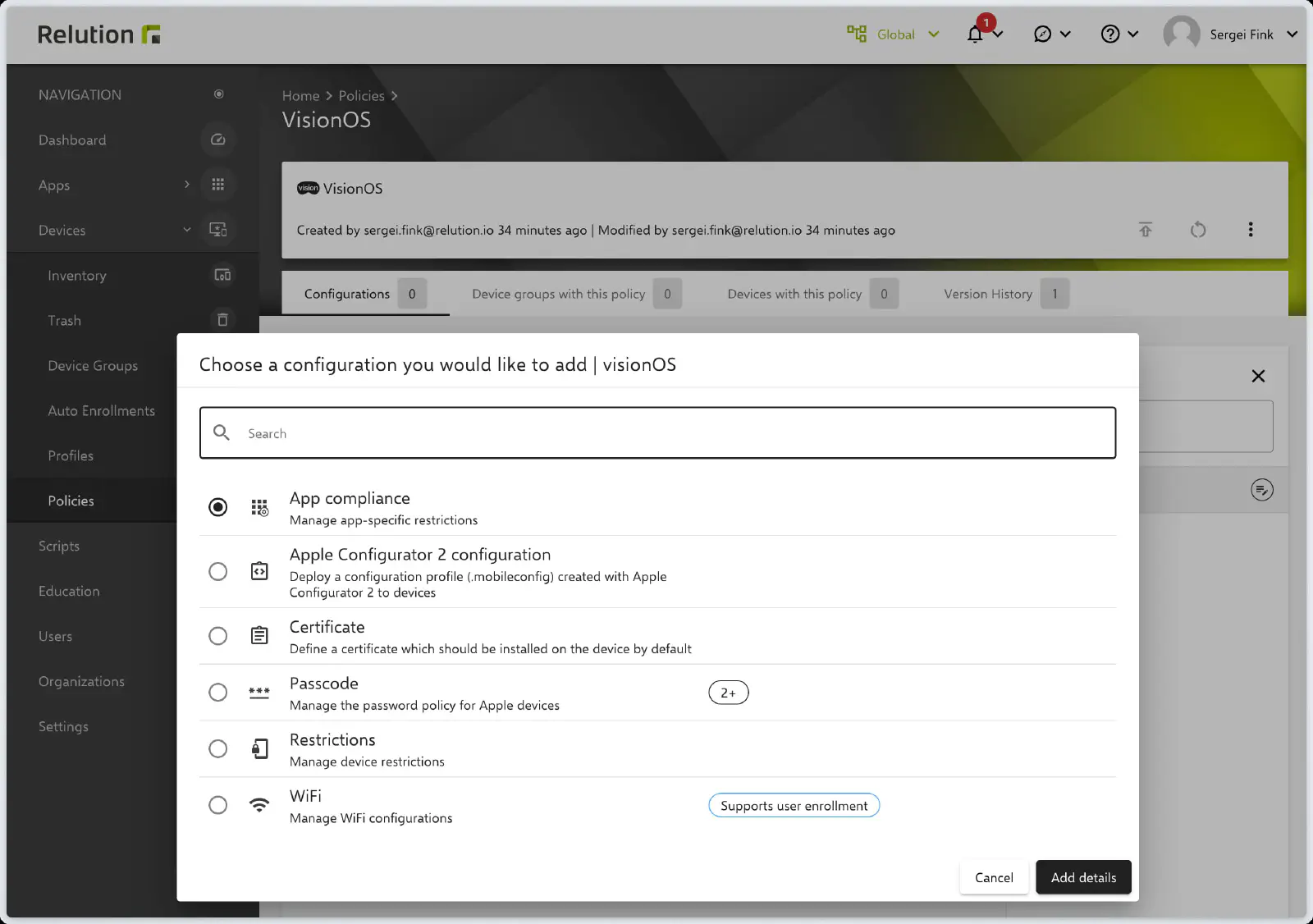
The distribution of apps to Apple Vision devices (analogous to iOS devices) is carried out via the App Compliance policy configuration.
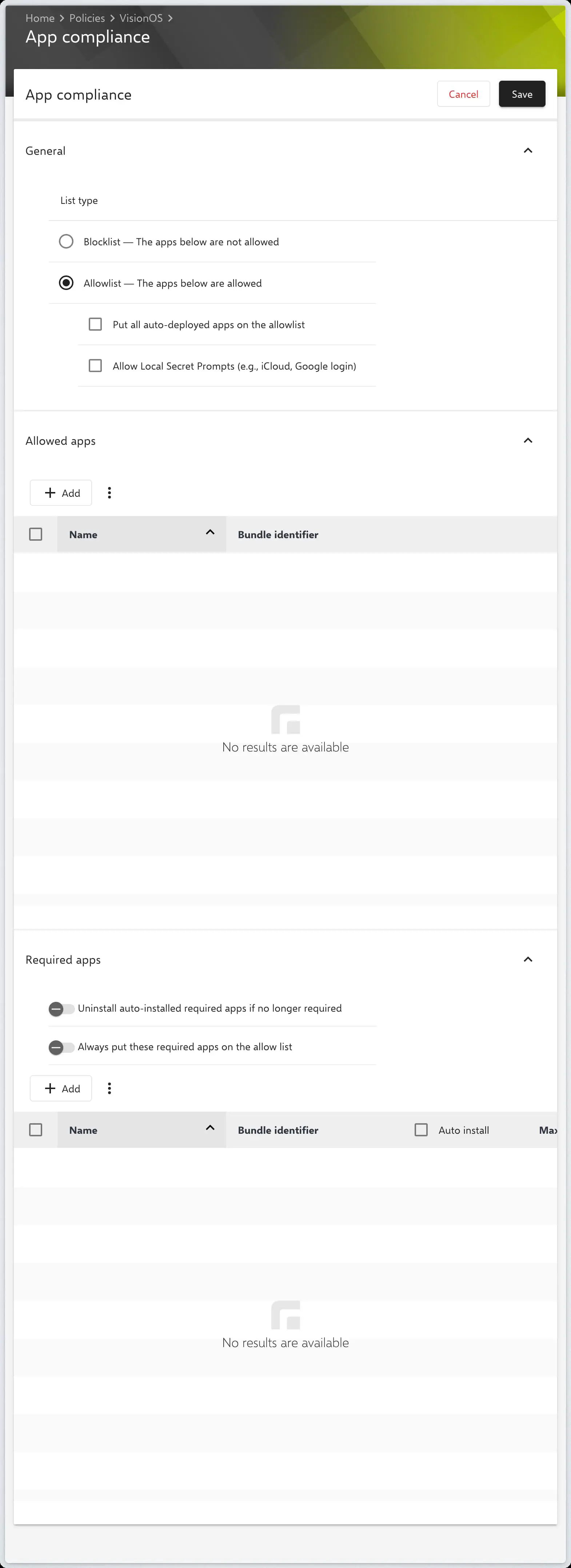
Similar to iOS devices, app availability can be controlled using an Allow List or a Block List.
Allow List (Permitted Apps)
The Allow List explicitly defines which apps are permitted to be available on the devices.
Block List (Blocked Apps)
The Block List is used to hide or block specific apps on visionOS devices.
Required Apps
In the Required Apps section, specify which applications must be mandatorily installed on the devices. The following options are available:
- Select public apps with VPP licenses.
- Add native apps from the Relution App Store.
Once the configuration is complete, it can be saved, published, and assigned to the corresponding devices.