Customer Hub
Update Operating System
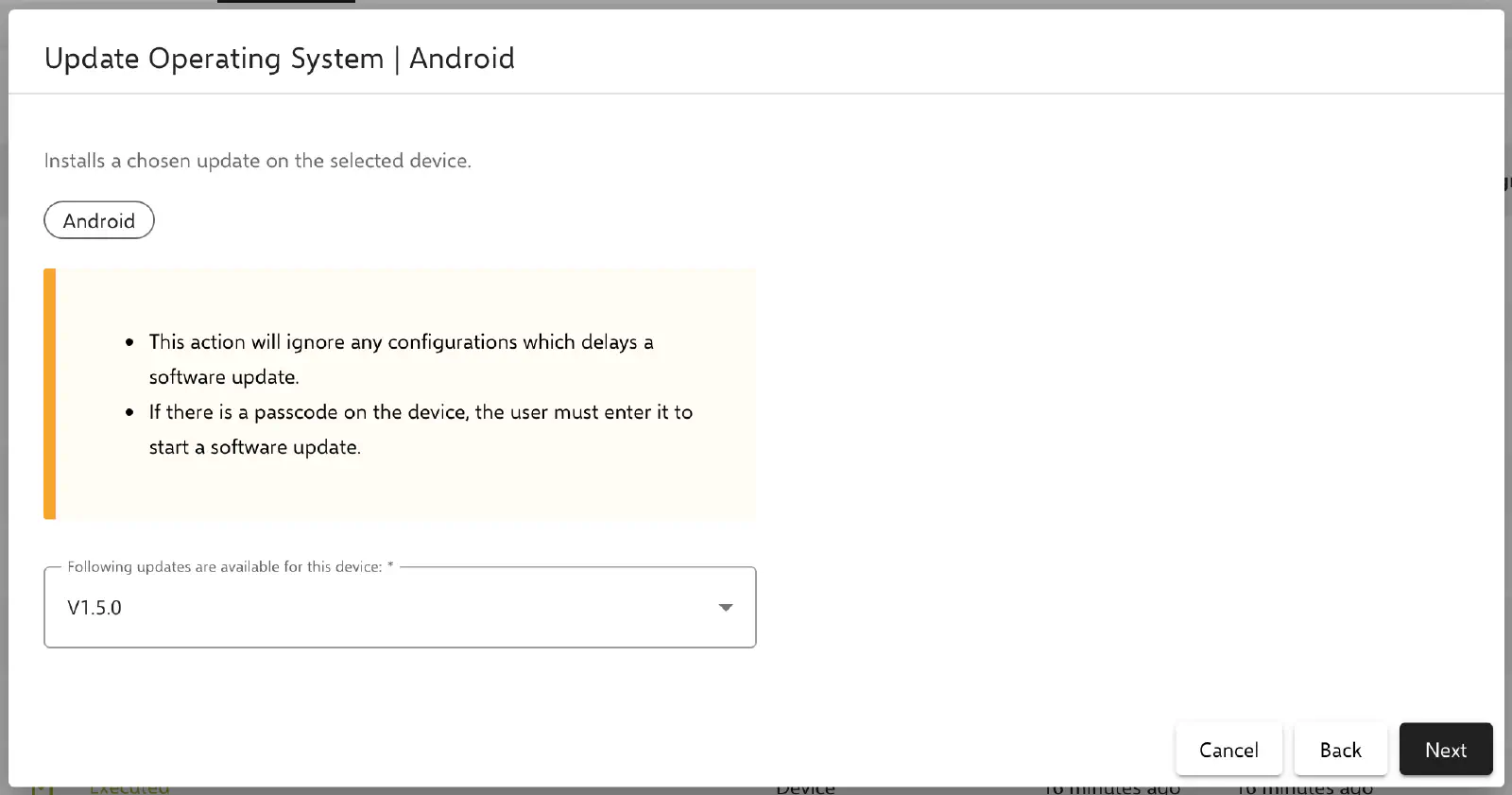
The Install Update action (dialog title Update Operating System) installs a specific software update on a selected device.
The action is available for Android Classic whiteboards from all manufacturers except CTOUCH, Newline, Prowise and SMART. For Prowise whiteboards, the Install Prowise Update → action is available instead.
In the dialog, only the version is selected from the Following updates are available for this device: list. Only updates that have been reported as available by the device itself can be selected. If the device does not report any updates, the list remains empty and the action cannot be executed.
If configurations that delay operating system updates are active, the device installs the latest version available to it, which may be older than the selected version. If a passcode is enabled, it must be entered before the update can begin.