 Customer Hub
CTOUCH
Relution makes it possible to manage interactive whiteboards from the CTOUCH brand.
Supported product ranges and models
The following product series are supported:
- Riva D2
Enrollment
An enrollment is created for the platform Android with CTOUCH selected as the type. The enrollment link is then opened on the device, and the instructions on the webpage are followed.
The Relution Companion for CTOUCH can be downloaded and installed via the displayed download button.
After the Companion has been installed successfully, the enrollment is started from the enrollment page.
The Companion then opens automatically and prompts confirmation of several notes and authorizations. After successful enrollment, a corresponding confirmation screen will appear.
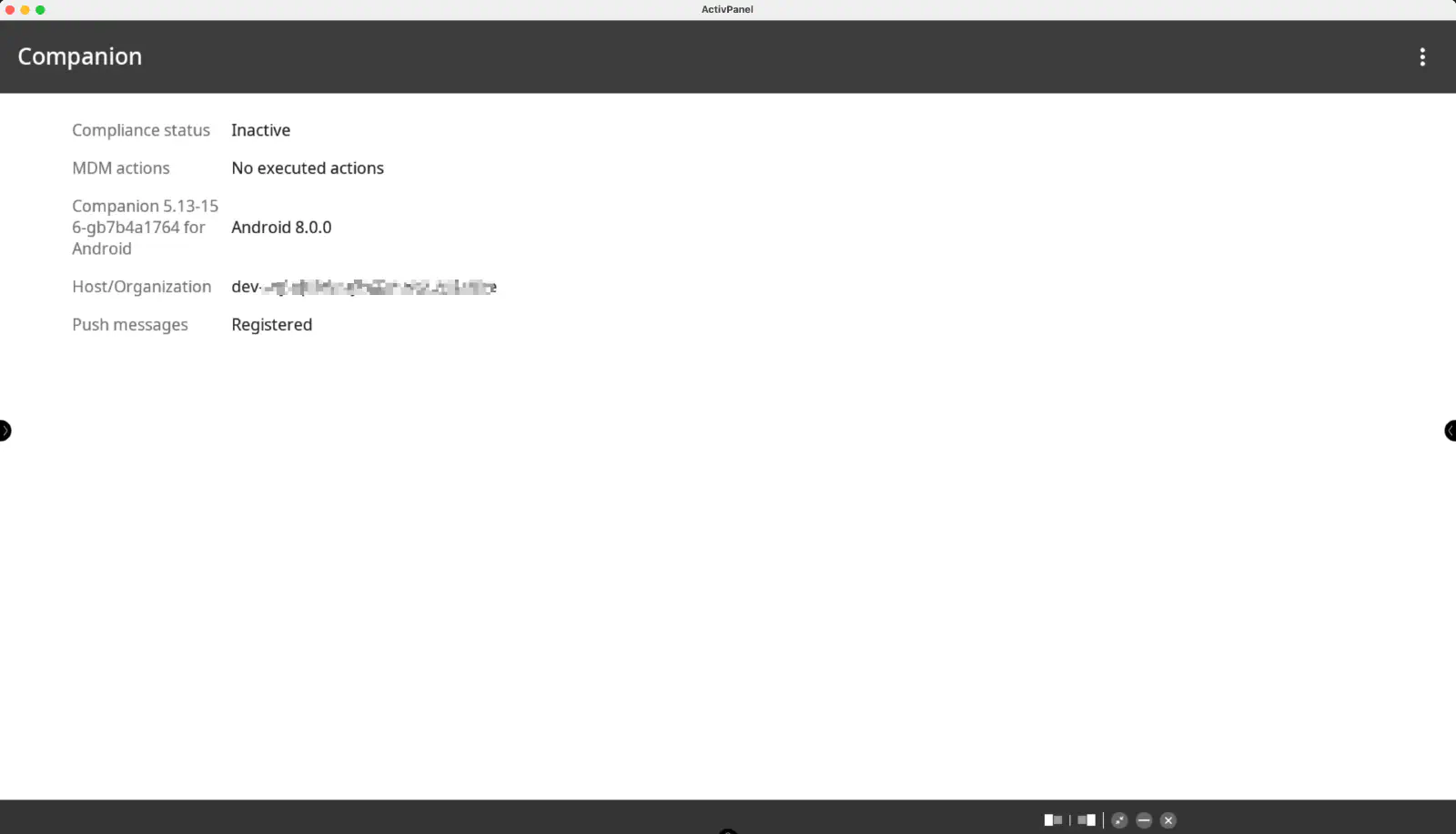
The device should now be visible in the Relution Portal inventory.
Supported Actions
The following actions can be performed on CTOUCH interactive whiteboards via Relution:
| Action | Description |
|---|---|
| Trigger Alarm → | |
| Remove App → | |
| Send File to Device → | |
| Wipe Device → | |
| Unlock Device → | |
| Reboot Device → | Restart or shut down (Power off option) |
| Lock Device → | Prerequisite: a password or PIN is set locally on the device or via the manufacturer-specific policy (Enable LockScreen Password) |
| Refresh Device Info → | |
| Send Message → | |
| Deploy Relution Store App → | Deploy native apps via Relution. Enable installation from unknown sources must be enabled |
Supported Policies
The following policies are supported on CTOUCH interactive whiteboards:
| Policy | Restrictions |
|---|---|
| WiFi → | |
| App Compliance → | |
| Certificate → | Only installation supported |
Manufacturer-specific policy
The manufacturer-specific policy CTOUCH offers the following settings:
| Setting | Description |
|---|---|
| Enable LockScreen Password | Set the password of the lock screen; when enabled, the Lockscreen password field is required (at least 6 characters) |
| Wake on LAN | Enable the Wake-on-LAN feature (preset in new configurations) |
| Enable installation from unknown sources | Allows installation of apps from unknown sources; required for Deploy Relution Store App |
| Power on automatically | Set weekdays and time for automatic display power-on |
| Power off automatically | Set weekdays and time for automatic display power-off |
| Enable OTA Update | Enable automatic search for OTA updates |