 Customer Hub
Windows Licensing
The Windows Licensing policy configuration transfers a product key to Windows devices. Windows then switches to the edition unlocked by the key, for example from Windows Home to Pro or from Pro to Enterprise or Education. The configuration contains no other settings.
Microsoft describes the underlying mechanism in the documentation of the WindowsLicensing CSP →.
Prerequisites
- Windows 10 or Windows 11. Relution does not restrict the configuration to specific editions or versions; it is also transferred to devices running Windows Home.
- A valid product key for the target edition. Which editions can be converted into one another with which key is determined by Microsoft.
- One Windows Licensing configuration is possible per policy.
Settings
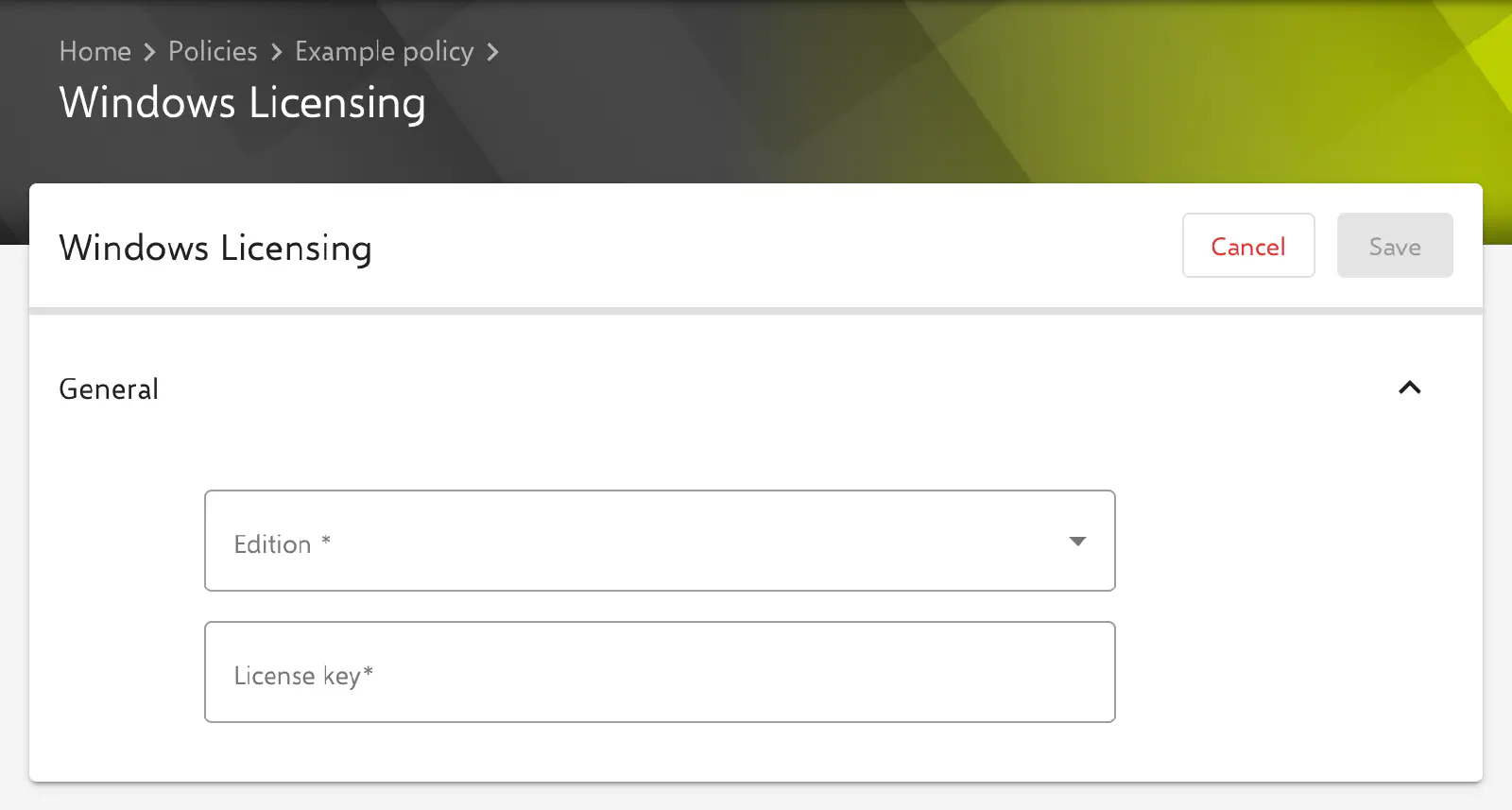
The form consists of the General section with two mandatory fields. Save is only available once both fields contain valid values.
- Edition: selection from Windows 10 Education, Windows 10 Enterprise, Windows 10 Pro and Windows 10 Home; no default value is preselected. The value serves solely as documentation in Relution. It is not transferred to the device, and Relution does not check whether it matches the key; the edition the device receives is determined by the key alone. The labels name Windows 10, but the configuration applies equally to Windows 11.
- License key: product key in the format
XXXXX-XXXXX-XXXXX-XXXXX-XXXXX, i.e. five blocks of five letters or digits each, separated by hyphens. The portal rejects other input with the message The product key must have the format: “XXXXX-XXXXX-XXXXX-XXXXX-XXXXX”; the server also checks the format when saving.
Below the form, the portal shows the list of placeholders. Since the License key field only accepts the format described above, no placeholder can be entered there; all devices of a policy receive the same key.
Transfer to the device
Relution executes the node ./Device/Vendor/MSFT/WindowsLicensing/UpgradeEditionWithProductKey with the stored key. According to Microsoft, the edition change requires a restart of the device.
- If the execution fails on a device, for example because of an invalid key, the violation Windows Licensing configuration appears in the device’s compliance.
- If the configuration or the policy is removed from the device, Relution sends no commands to the device. An edition change that has been carried out remains in place and cannot be reverted via Relution.
Handling of the license key
Related topics
- Available configurations → — overview of all policy configurations for Windows.
- Windows Home Limitations → — features that only become available after switching to a higher edition.
- Custom CSP → — further CSP nodes that have no configuration of their own.